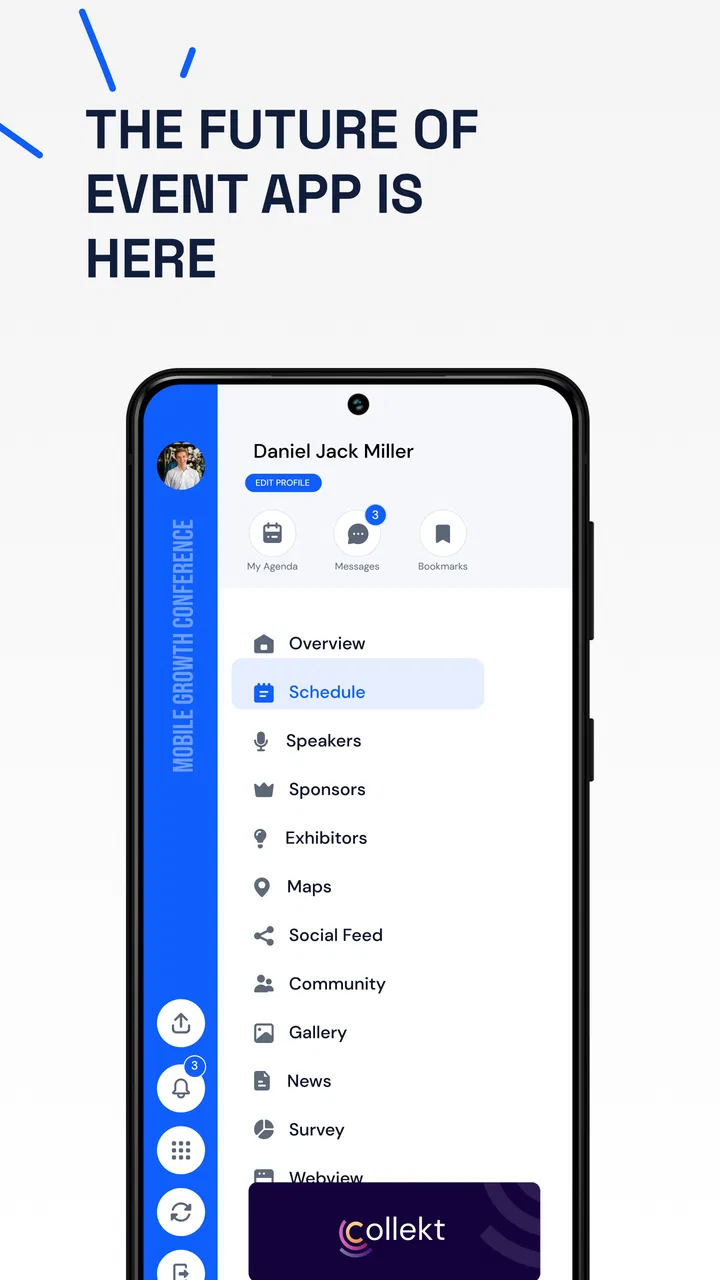
Eventify Event App for MICE
- 3.2
- Rating
- 10.00K
- Installs
- Free
- Price

 Analysis by App-foxy
Planning an event usually starts with good intentions and quickly turns into a collection of messages, spreadsheets, reminders, and last-minute changes. I tried Eventify from Teksmobile with that familiar problem in mind: could a focused events app make the process easier without asking me to hand over more control than necessary? My impression is mixed but useful. It is a free event app aimed at making event organization more manageable, yet its value depends heavily on the size and complexity of the event you are preparing.
The first thing I noticed is that Eventify is not trying to be a general social network or a full business suite. Its identity is much narrower: it belongs to the events category and is designed around the practical needs that appear before, during, and after a gathering. That focus can be helpful when you want one place for event-related work instead of adapting a notes app or a group chat.
At the same time, I would not install it expecting a complete replacement for every tool used by a professional conference team. The current version is 3.1.27, and the app has a modest public footprint, with over 10 thousand installs and a 3.3 average from around 69 ratings. Those figures do not make it untrustworthy by themselves, but they do suggest that I would test it carefully before building an important event entirely around it.
You May Also Like

 AccuWeather: Weather Radar
AccuWeather Review: A Quick, Clear Forecast for Everyday Decisions
For everyday plans, the best forecast is the one you can understand quickly. AccuWeather makes rain timing, radar, and local conditions easy to act on, with a few trade-offs.

 Hill Climb Racing
Why Hill Climb Racing Still Turns Crashes Into One More Run
A tiny car, a bumpy hill and one more upgrade: Hill Climb Racing keeps resurfacing because its simple chaos makes every near-miss feel personal.

 AliExpress - Shopping App
AliExpress Makes Global Shopping Feel Personal, but Shoppers Bear the Risk
AliExpress turns a global marketplace into a pocket-sized discovery engine. Its reach is useful, its shopping loop compelling, and its trade-offs easy to miss.

 Lords Mobile: Kingdom Wars
Lords Mobile Is a Kingdom-Building Routine, Not a Quick Match
A case-by-case verdict on the building, battles, device demands, and social commitments that make Lords Mobile rewarding for some players and exhausting for others.

 PDF Scanner app - TapScanner
TapScanner Makes Paperwork Easier to Capture, Check, and Share
TapScanner makes scanning with a phone feel less like a rescue operation and more like a dependable step in getting work done. Its capture tools are useful, though not flawless.

 Block Blast!
 Shows How Much a Puzzle Game Can Leave Out
A quiet grid game shows why puzzle players increasingly value instant clarity, repeatable skill and low-pressure play—and where the genre still needs to catch up.
More From Our News Desk
View All News


What Eventify feels like in everyday event planning
My preferred way to judge an event app is to give it a realistic job rather than simply browse its screens. Imagine organizing a community workshop: you have a date, a location, a small group of speakers, a list of attendees, and several details that may change during the week. In that situation, an app like Eventify can be useful as a central reference point. Instead of searching through old messages, I would want the event information to be easy to revisit when I am on the way to the venue or answering a participant’s question.
The strongest case for using it is a small or medium-sized event where the organizer needs structure but does not want to assemble a complicated technology stack. A club meeting, local class, private gathering, campus activity, or community presentation fits that description better than a large ticketed festival. I can see the appeal for someone who normally keeps event details in several disconnected places and wants a more dedicated starting point.
There is also a practical psychological benefit to using an events-specific app. When planning happens inside a general-purpose messaging service, important information competes with jokes, unrelated conversations, and notifications. A dedicated event environment can make it easier to think in terms of the event itself: what people need to know, what has changed, and what still requires attention.
However, the app should not be judged only by how attractive that idea sounds. The important questions are whether it gives me understandable choices, whether I can control my involvement, and whether it handles sensitive moments responsibly. An event may involve names, contact details, schedules, locations, or attendance information. I would therefore treat Eventify as a tool that deserves a careful setup rather than something I would configure casually and forget.
Starting with a low-risk test event
My advice is to begin with a non-sensitive event. I would create a test gathering using information that is safe to change, invite only people who understand that I am evaluating the app, and check how the event appears from the organizer’s perspective and from a participant’s perspective. This is more informative than immediately importing a real guest list.
That approach also answers a question many readers have before installing: is it suitable for a first-time organizer? Yes, potentially, but only if the organizer is willing to learn the workflow before depending on it. The app’s purpose is easy to understand, yet event planning has consequences when a detail is missed. A short trial lets me see whether the layout matches my habits and whether the necessary controls are easy to find.
I would pay special attention to what happens when an event changes. A date change is not equivalent to a spelling correction. A location change may affect travel, accessibility, and privacy. A revised guest list may affect who can see information. The quality of an event app is revealed less by creating a perfect event than by handling imperfect, changing plans.
Trust begins with visible choices
For me, trust in an app is not created by a polished description. It comes from visible choices: what the app asks me to do, what information is shown before I confirm an action, and whether I can revise or withdraw decisions later. With Eventify, I would avoid making assumptions about permissions or data handling that are not clearly presented inside the app. Instead, I would read each prompt, review account options, and use the least amount of personal information needed for the event.
This matters particularly when an organizer is working with other people’s details. A guest may be comfortable receiving an invitation but not comfortable having their information broadly visible. A speaker may need their name and role displayed but not their private contact details. A responsible workflow separates information that is necessary for the event from information that is merely convenient to collect.
My basic rule is simple: if a detail is not needed to run the event, I would leave it out. That rule reduces exposure and also keeps the event page easier for participants to understand. It is a useful habit regardless of the app, but a dedicated events tool should make that habit straightforward rather than encouraging unnecessary collection.
Account setup and control deserve attention
A real user will probably wonder whether an account is required, what can be edited later, and how participation can be stopped. Those are reasonable questions, especially when an event includes personal information. My recommendation is to inspect the sign-in and account screens before creating a real event. Look for clear options to update profile information, remove an event, change participation, and manage notifications.
I would also check whether the app distinguishes between an organizer and an attendee in a way that makes sense. An organizer needs to manage details; an attendee may only need to view information or respond. If those roles are unclear, mistakes become more likely. For example, a participant might assume that changing a personal response changes the whole event, while an organizer might assume that an update automatically reaches everyone.
This is one of the less obvious trade-offs with a focused event app: centralization is convenient, but it can make a single incorrect setting more important. Before inviting a large group, I would confirm exactly which action changes the event itself and which action changes only my own participation. I would do this with a test account or a trusted contact rather than discovering it during a live event.
Handling sensitive event details
Some events are harmless to share broadly; others are not. A public craft session and a private meeting should not be planned with the same assumptions. Location information can be sensitive, and schedules can reveal when a venue or household will be occupied. Even if an event is ordinary, the combination of names, times, and places can become more revealing than each detail alone.
When I use an event app, I separate the public invitation from the private operational notes. I would include only the information attendees genuinely need, avoid placing access codes or private instructions in a broadly visible area, and share sensitive details through a channel intended for that purpose. Eventify can be part of that workflow, but I would not treat it as a secure vault simply because it is designed for events.
Another useful habit is to review the event after the gathering ends. Old events can contain names, attendance information, and location details that no longer serve a purpose. I would look for options to edit, archive, or delete completed events and would remove information that I no longer need. If the app provides account or event controls, using them promptly is better than leaving old material available indefinitely.
Where the app can save time
Eventify makes the most sense when the organizer needs a repeatable routine. For a monthly club meeting, I would begin with a consistent event structure, update the date and location, confirm the attendee information, and review the final details before sharing. This can be less tiring than rebuilding the same announcement in a chat thread every month.
A second useful scenario is a small volunteer team. One person may handle the schedule while another checks attendance or communicates changes. In that situation, the app’s value depends on whether its account and sharing controls support the team’s responsibilities clearly. I would avoid giving broad access automatically; instead, I would assign only the involvement that each person needs and confirm the result with a small test.
A third scenario is an event with frequent updates. Here, centralizing the latest details can reduce the risk of people relying on an old message. The trade-off is that participants must actually check the event information. I would still send a short human message when a change is important, especially if it affects arrival time, venue, or cancellation. An app should support communication, not replace judgment.
These workflows show why I would not measure Eventify only by the number of visible features. Its practical value comes from whether it helps me maintain one reliable version of the event and whether the people involved understand where that version lives.
Where usual alternatives may be better
For a very informal gathering, a group chat may be faster. If everyone is already in the same conversation, adding another app can create friction rather than remove it. A shared calendar may be better for recurring appointments, especially when the main requirement is a date, time, and reminder. A spreadsheet may be more suitable when the organizer needs detailed budgeting, task assignment, or custom reporting.
Professional conference organizers may also need specialized registration, ticketing, payment, badge, analytics, or integration tools. I would not choose Eventify as the only platform for that kind of operation without extensive testing. Its appeal is strongest when the event is important enough to deserve dedicated organization but simple enough that a general event workflow remains manageable.
This comparison is not a criticism of the app. Different tools solve different problems. Eventify is more focused than a chat and potentially more event-oriented than a calendar, but it may not offer the depth of a professional event-management system. The right choice depends on whether the event’s main challenge is keeping information organized or managing a large operational process.
Compatibility, cost, and audience
Eventify is free, which makes experimentation easier and removes one barrier for casual organizers. I would still evaluate the time cost of asking guests to install or use another app. Free does not automatically mean effortless: participants may hesitate if they do not know the app, if they prefer their existing calendar, or if the event is too small to justify a new workflow.
The app is available for devices running Android 7.0 or later, so compatibility should be checked before inviting a mixed group. The content rating is Everyone, which makes it broadly approachable for general event use. That rating describes audience suitability, not the privacy needs of a particular event, so I would still make careful choices about what information is included.
Because the developer is Teksmobile and the public rating sits at 3.3 from around 69 ratings, I would treat the app as a candidate to test rather than an automatic recommendation for mission-critical planning. There are around four written reviews associated with that public listing, so I would not rely on a small amount of public commentary to answer detailed questions about reliability or support. My own trial would matter more.
Small habits that make the experience safer and smoother
I would use a checklist before publishing any real event. First, I would confirm the event name and date. Next, I would check the location wording, attendee visibility, and any organizer contact information. Then I would open the event as a participant if possible, because organizers often overlook details that become obvious from the attendee view.
I would also avoid reusing a real event as a template until I had removed old names, addresses, and notes. Repetition saves time, but copied personal information can create a privacy mistake. If Eventify supports a reusable workflow, I would treat it as a convenience that requires a final clean-up pass, not as a reason to skip review.
Finally, I would keep a backup of essential logistics outside the app. That does not mean duplicating every detail forever. It means retaining the address, start time, and a contact method somewhere I can reach them if my phone, account, or event access becomes unavailable. This is especially important for events where people are traveling or where a last-minute change matters.
My cautious verdict
I see Eventify as a reasonable free option for organizers who want a dedicated place to prepare and share a modest event. I like the focused purpose, the accessible age rating, and the fact that it can be tested without a purchase. For a community activity, small workshop, club gathering, or recurring local event, it may be more orderly than relying entirely on scattered messages.
I would not recommend it blindly for a large or sensitive event. The public rating of 3.3, the relatively small install base, and the limited amount of written public feedback make a careful trial sensible. More importantly, trust should come from what I can see and control in the app: account choices, event visibility, editing options, notification behavior, and the ability to remove information when it is no longer needed.
If you are comfortable checking those controls and your event is not dependent on advanced registration or business operations, Eventify is worth trying. If your guests dislike installing new apps, your event requires payments and detailed reporting, or your information is highly sensitive, a familiar calendar, private communication method, or specialized platform may be the better choice.
My final recommendation is therefore cautious but positive: use Eventify as a focused event organizer, start with a low-risk test, and keep control of the information you share. It can bring useful structure to everyday planning, but the organizer still needs to review permissions, audience choices, and changing details with care.
FAQs for Eventify Event App for MICE
01What is Eventify and what does it offer?
Eventify is a versatile event planning app available on both Android and iOS platforms. It offers users a comprehensive suite of tools for organizing events, whether personal or professional. Features include guest list management, RSVP tracking, customizable invitations, and seamless calendar integration, making it a one-stop solution for all event-related needs.
02Is Eventify free to use, or does it have a subscription model?
Eventify offers a free version with basic features suitable for small events. For more advanced features such as analytics, premium templates, and increased guest limits, users can opt for a subscription model. The pricing is competitive, with options for monthly or yearly plans, catering to both casual users and event professionals.
03How user-friendly is Eventify for beginners?
Eventify is designed with user-friendliness in mind, featuring an intuitive interface that's easy to navigate. Beginners will find the setup process straightforward, with guided tutorials and a helpful FAQ section. The app also includes drag-and-drop functionality for customizing event layouts, making it accessible even for those new to event planning.
04Does Eventify support integration with other platforms?
Yes, Eventify supports integration with a variety of platforms such as Google Calendar, Outlook, and social media networks. This allows users to sync events, share updates, and send invitations seamlessly. The app also offers API access for developers looking to create custom integrations, enhancing its versatility and utility.
05How secure is my data with Eventify?
Eventify prioritizes user privacy and data security. It employs robust encryption methods to protect data, ensuring that sensitive information such as guest lists and personal details remain confidential. Regular security updates and compliance with global data protection standards further enhance the safety of user data on the platform.
Pros
- User-friendly interface for easy navigation.
- Customizable event templates available.
- Seamless integration with calendars.
- Real-time updates and notifications.
- Strong privacy and data protection.
Cons
- Limited free version features.
- Occasional sync issues reported.
- Requires internet for full functionality.
- In-app purchases can be costly.
- No offline mode for event access.

Eventify Event App for MICE
Gallery